01Engineering
Mission 1: Press and go
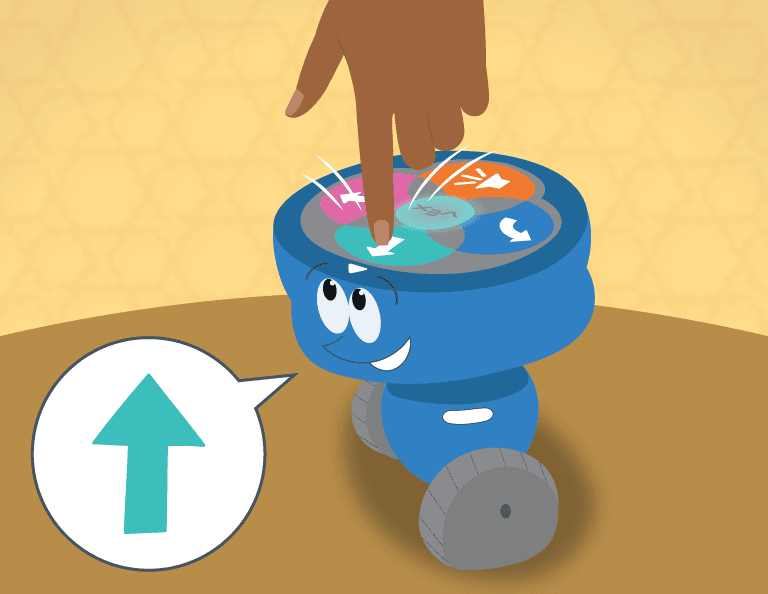
Drive the robot to the edge of the mat and stop, three times running, using only the buttons.
Weeks 1–2
Ages 6 to 8
Curiosity, making and first circuits.
4 courses, in the order they are taught. Each one finishes something, so a child who does only the first has still built a robot.
6 weeks · one 1-hour session a week
Six weeks with a robot a six-year-old can carry. Press the buttons to make it go, then build a plan from cards, and finish by driving a little course you made.
Drive the robot to the edge of the mat and stop, three times running, using only the buttons.
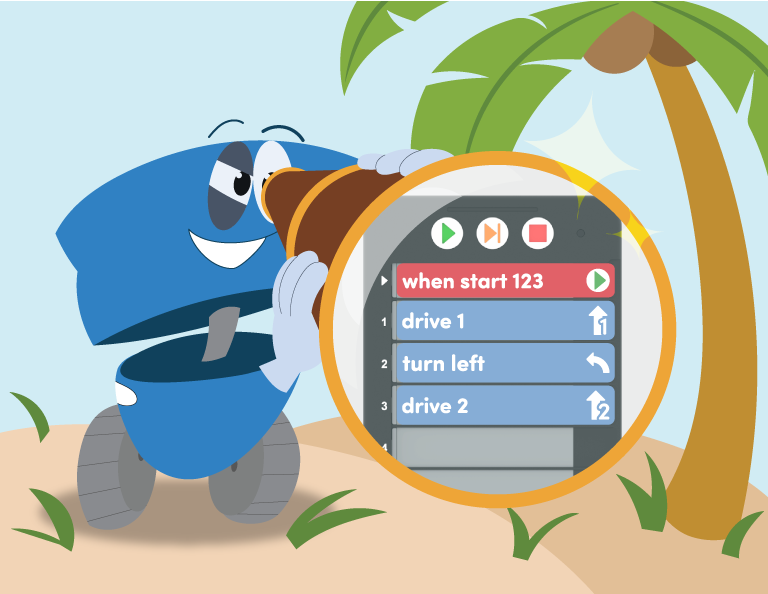
Lay out cards that drive the robot around one corner and back.
Drive your robot through the little course and show a grown-up how you made it go.
6 weeks · one 1-hour session a week
Six weeks with a robot a six-year-old can carry. Press the buttons to make it go, then build a plan from cards, and finish by driving a little course you made.
Drive the robot to the edge of the mat and stop, three times running, using only the buttons.
Lay out cards that drive the robot around one corner and back.
Drive your robot through the little course and show a grown-up how you made it go.
12 weeks · one 1-hour session a week
Twelve weeks on VEX 123, from pressing buttons to a robot that changes colour and stops when its eye sees something, ending in a story the child tells on the mat.
Drive the robot to a spot you chose and stop on it, using the buttons.
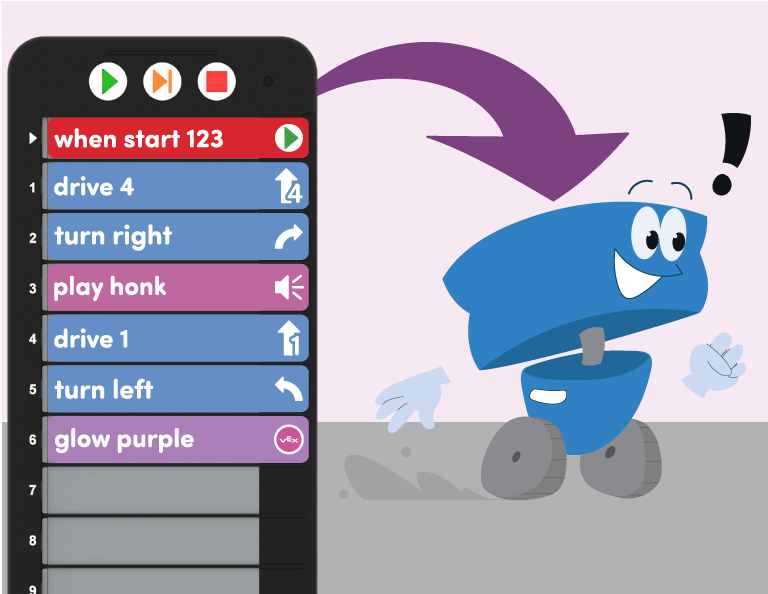
Build a card plan that drives a square and finishes where it began.
Make the robot change colour or stop when it sees something, with nobody pressing a button.
Tell a little story on the mat with your robot and show it to the room.
12 weeks · one 1-hour session a week
Twelve weeks on VEX 123, from pressing buttons to a robot that changes colour and stops when its eye sees something, ending in a story the child tells on the mat.
Drive the robot to a spot you chose and stop on it, using the buttons.
Build a card plan that drives a square and finishes where it began.
Make the robot change colour or stop when it sees something, with nobody pressing a button.
Tell a little story on the mat with your robot and show it to the room.
Little Inventors · ages 6 to 8
Little Inventors · ages 6 to 8
Little Inventors · ages 6 to 8
Little Inventors · ages 6 to 8
We open where there are enough families to fill a room. These have no venue yet — put your name down and you decide whether they happen.
Little Inventors · ages 6 to 8
It would cost GBP 150.00 the term. You are not paying anything now.
Little Inventors · ages 6 to 8
It would cost GBP 150.00 the term. You are not paying anything now.
Little Inventors · ages 6 to 8
It would cost GBP 150.00 the term. You are not paying anything now.
Little Inventors · ages 6 to 8
It would cost GBP 150.00 the term. You are not paying anything now.
Little Inventors · ages 6 to 8
It would cost GBP 260.00 the term. You are not paying anything now.
Little Inventors · ages 6 to 8
It would cost GBP 260.00 the term. You are not paying anything now.
Little Inventors · ages 6 to 8
It would cost GBP 260.00 the term. You are not paying anything now.
Little Inventors · ages 6 to 8
It would cost GBP 260.00 the term. You are not paying anything now.
Little Inventors · ages 6 to 8
It would cost GBP 150.00 the term. You are not paying anything now.